
Google understands our need and gets the fact that by each passing day we are becoming more and more dependent on technology. From translating languages to helping us read the signboards in a foreign state, Google is becoming our one-stop destination for answering every query. Now, upgrading its Google Lens, the company has introduced a …
Google understands our need and gets the fact that by each passing day we are becoming more and more dependent on technology. From translating languages to helping us read the signboards in a foreign state, Google is becoming our one-stop destination for answering every query.
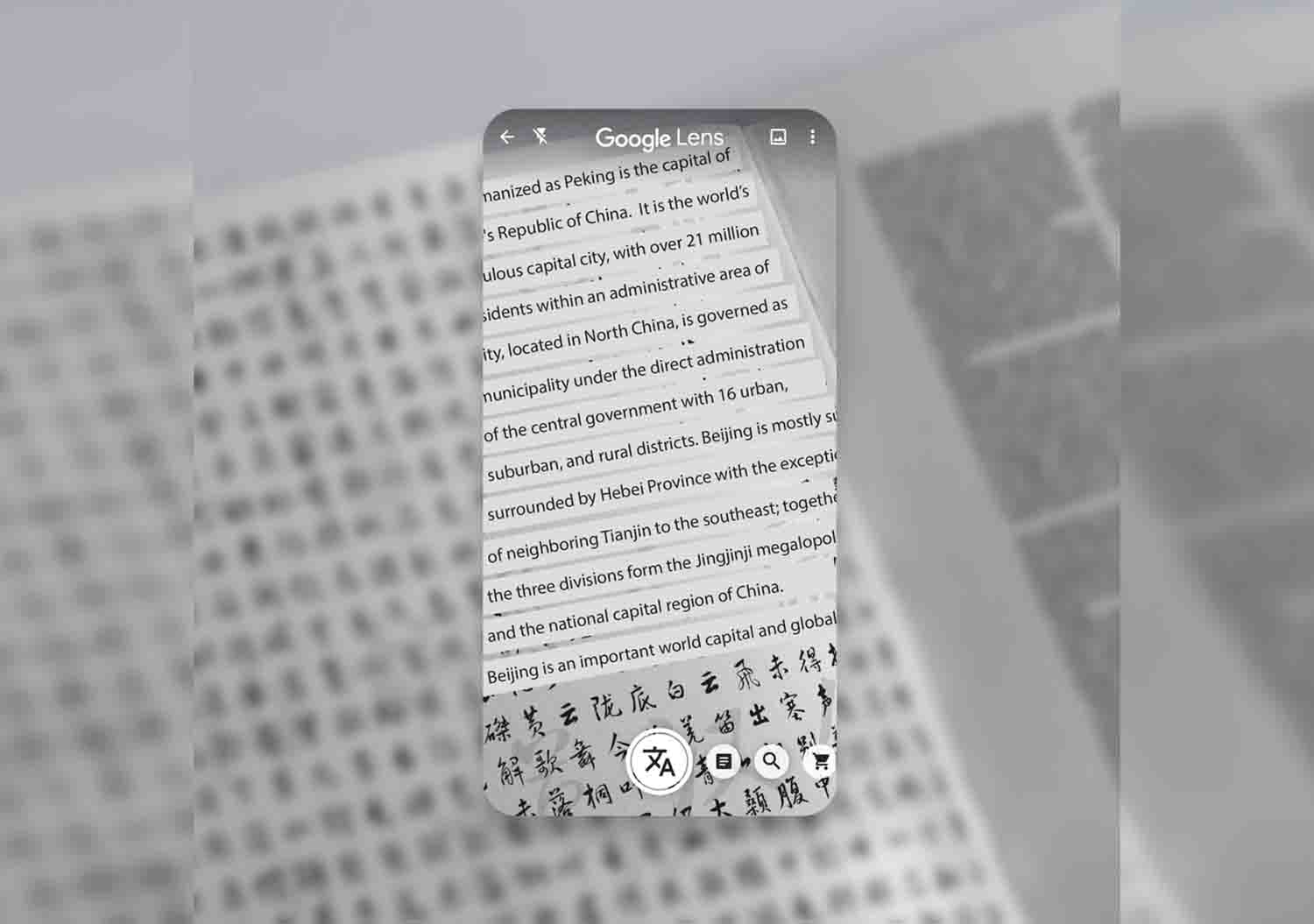
Now, upgrading its Google Lens, the company has introduced a new feature with the help of which you can easily copy and paste handwritten notes from your phone to your computer.
To use this new feature, all you have to do is point your camera on legible handwritten text, highlight the lines that you want to copy and click on ‘Copy To Computer’. Then open Google Docs from the same account and paste it.
Apart from it, you can also learn the pronunciations of different words and get in-depth knowledge about different concepts by just pointing your camera to it. Once you highlight the words or text, hit on the ‘Listen’ tab and Google will read the entire text for you.
This new feature is available on the updated version of Android and iOS and requires you to log in to your computer from the same account.
Being productive at home just got a little easier. Use #GoogleLens to quickly copy handwritten notes 📝 to your computer 💻, brush up on new concepts, and hear how to correctly pronounce “hipopótamo” 🦛 in Spanish → https://t.co/yGed3LdtQY pic.twitter.com/aOorrBDGVQ
— Google (@Google) May 7, 2020
Join the Club
Like this story? You’ll love our monthly newsletter.

BO Correspondent
Boldoutline magazine is one of India’s most promising luxury lifestyle magazine. With a splash of choiciest articles, fun read, snappy views garnished with stunning photo spreads, the magazine is every reader’s delight wrapped in one. A monthly sanctuary of everything luxurious, Boldoutline is a haven for lovers of travel, style, beauty, culture, auto and literature.