
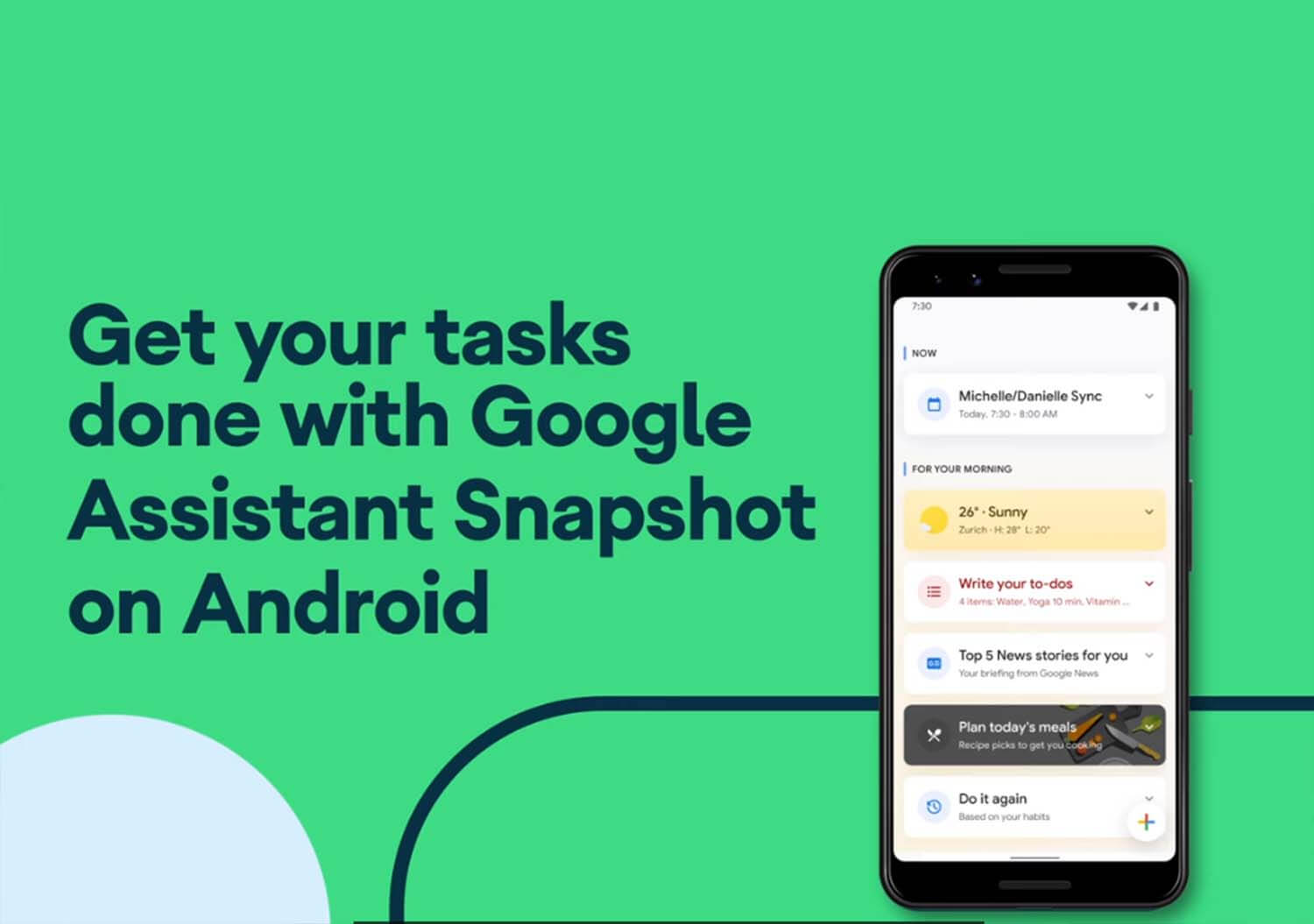
A new way to stay on top of your day, use Google Assistant Snapshot. Making it more tech savvy, Google has added new updates to make it more proactive, keeping you ahead of your upcoming tasks and giving recommended activities, all in one place on Android or iOS devices. https://twitter.com/Android/status/1299052541997613056 1. See a summary …
A new way to stay on top of your day, use Google Assistant Snapshot. Making it more tech savvy, Google has added new updates to make it more proactive, keeping you ahead of your upcoming tasks and giving recommended activities, all in one place on Android or iOS devices.
See your most important tasks in a snap. Google Assistant Snapshot for Android pulls in all of the things you need to get done. Hear what’s new from Product Manager Jacquelle Horton. pic.twitter.com/EkJIQxVjQC
— Android (@Android) August 27, 2020
1. See a summary of the important tasks
Reminding you with important tasks to do like pay credit bills, upcoming birthdays, commute times and more. Your Snapshot will adjust based on the time of day and your interactions with Google Assistant.
2. Find helpful recommendations
With tailored recommendations based on your preferences, it keeps sending you recipes, activities or podcasts you might be interested in during different times of the day.
3. Say ‘Hey Google, show me my day’ to get started
Right now, you can view Snapshot by activating Google Assistant and tapping on the icon. Both from now onwards, will work through audio functionality so adjust the default language to your preference.
4. Get important notifications
So that you don’t miss out any notification, they’ll be sent to you through your Google Assistant account. You’ll get action suggestions, like calling, texting or even singing a personalized birthday song, for those notifications.
Join the Club
Like this story? You’ll love our monthly newsletter.

Twinkle Sethia
Photography is hobby. Food is love. Travelling is passion. An impulsive writer and compulsive procrastinator. Fuels daily grind with coffee and distractions.