

Introducing new products this month, Google has upgraded its features in Apple devices so that users can customize Google apps to get the most out of their new phone. To know what we are talking about, scroll down: 1. Personalize Home Screen with Widgets New on iOS, widgets personalize your iPhone and give you …
Introducing new products this month, Google has upgraded its features in Apple devices so that users can customize Google apps to get the most out of their new phone. To know what we are talking about, scroll down:
1. Personalize Home Screen with Widgets
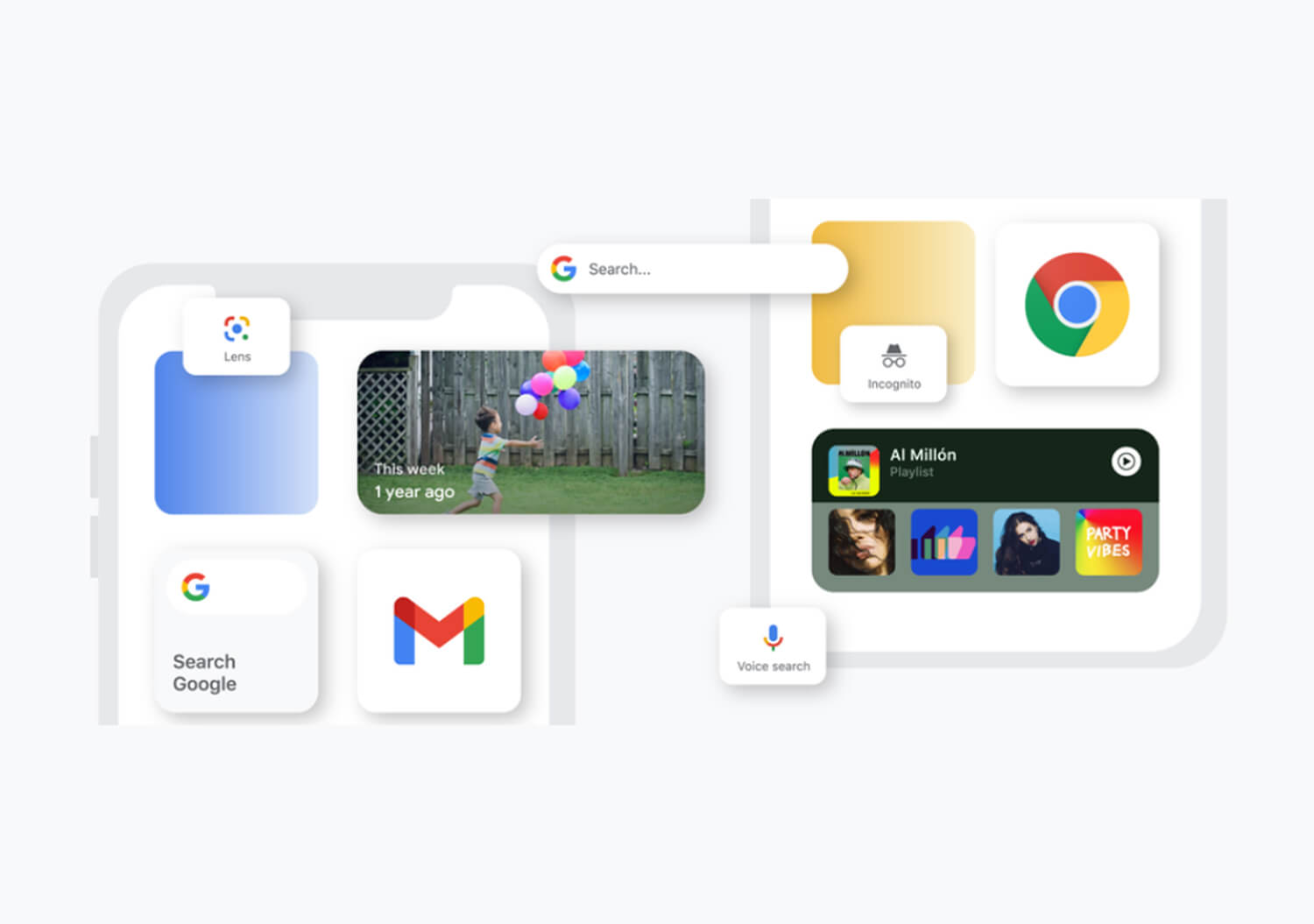
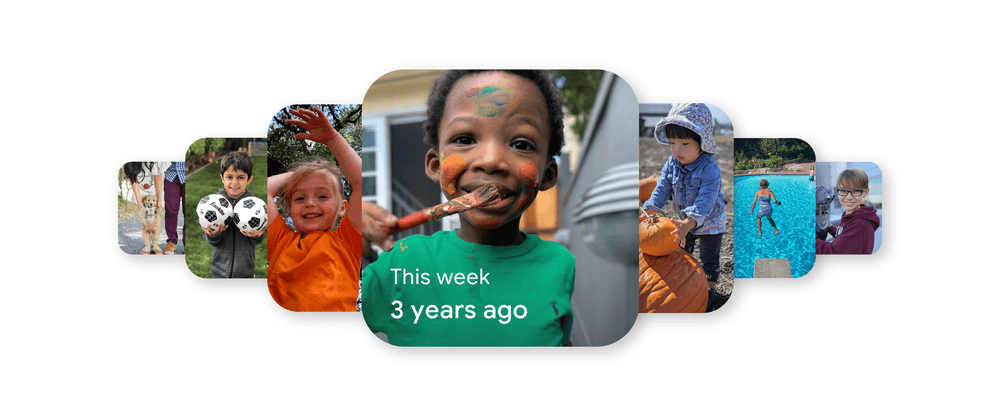
New on iOS, widgets personalize your iPhone and give you quick access to your favorite apps on the home screen. Like first, Google Photos widget rotates through Memories so you can relive your best moments. Next up, adding the YouTube Music widget, where it’ll put your recently-played songs within easy reach so that you can always listen to your favorite tunes. Lastly, Search widget for faster access and shortcuts to different ways to search in the Google app.
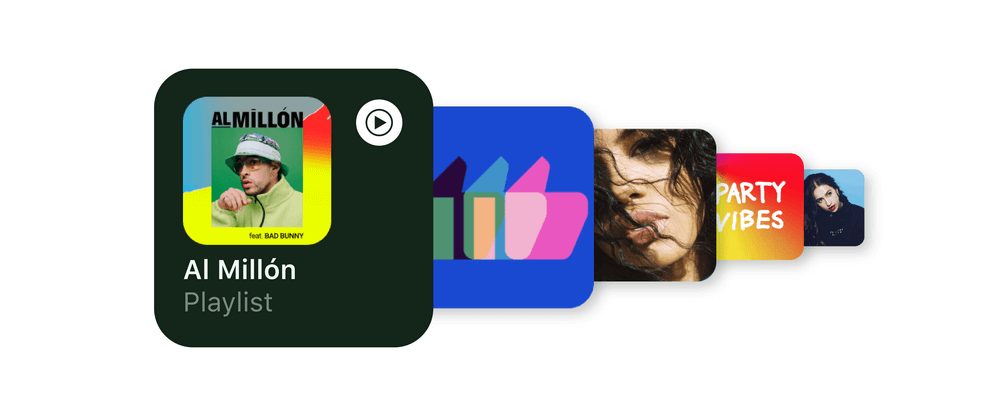
To install a Google Widget, download the above mentioned apps. Press and hold on the home screen, tap the plus icon on the upper left corner to open the widget gallery to search for the app. Swipe right or left to select the widget size, tap ‘Add Widget’ to place it and press on done!
2. Try Maps and YouTube Music on Apple Watch
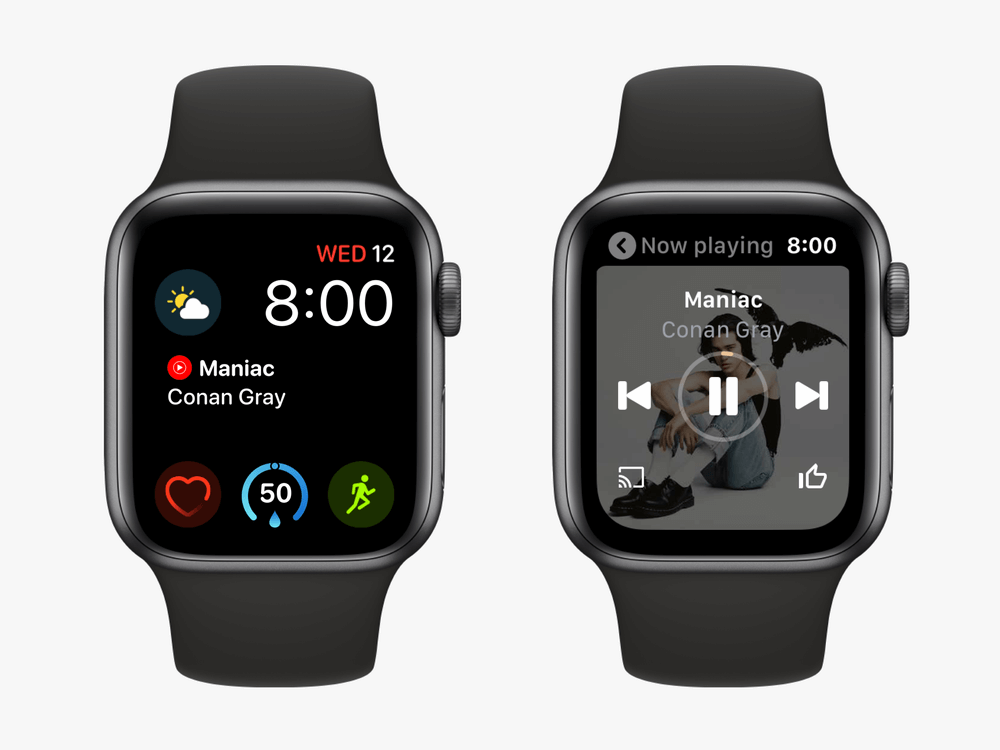
Choose to pair your device with an Apple Watch and have access to certain features with a flick of the wrist. Helpful for all sorts of situations, you can use Google Maps to get route estimates and step-by-step directions. Using YouTube Music, customize your playback functions and give you recommendations for new songs based on your listening habits.
3. Choose an Email and Browser Service as Default
When setting up your new device, choose which browser and email service you prefer to open by default. So, when you open a link, it will open in Chrome automatically and when you click on a link to send an email, you’ll go straight to Gmail.
4. Enable Advanced Privacy Features
On using Google Drive, you’ll get a new feature called Privacy Screen that’ll shield your files from view until it can verify it’s you. This feature gets activated each time you close the Drive app and reopen it or switch between other apps.
.@GooglePhotos and @YouTubeMusic just launched iOS widgets—perfect timing if you’re setting up a new iPhone 12 tomorrow. Get tips on how to do more with Google on iOS → https://t.co/UNKjyF0fWB 📱
— Google (@Google) October 22, 2020